All your loyalty cards on your phone
Leave the wallet full of plastic cards at home. With Kardpal you scan a barcode once and show it at the till whenever you like, even offline. Free for up to 20 cards, no sign-up.
Opens in your browser: no download, no sign-up. You can then add it to your Home screen.
Why Kardpal
Add a card in 5 seconds
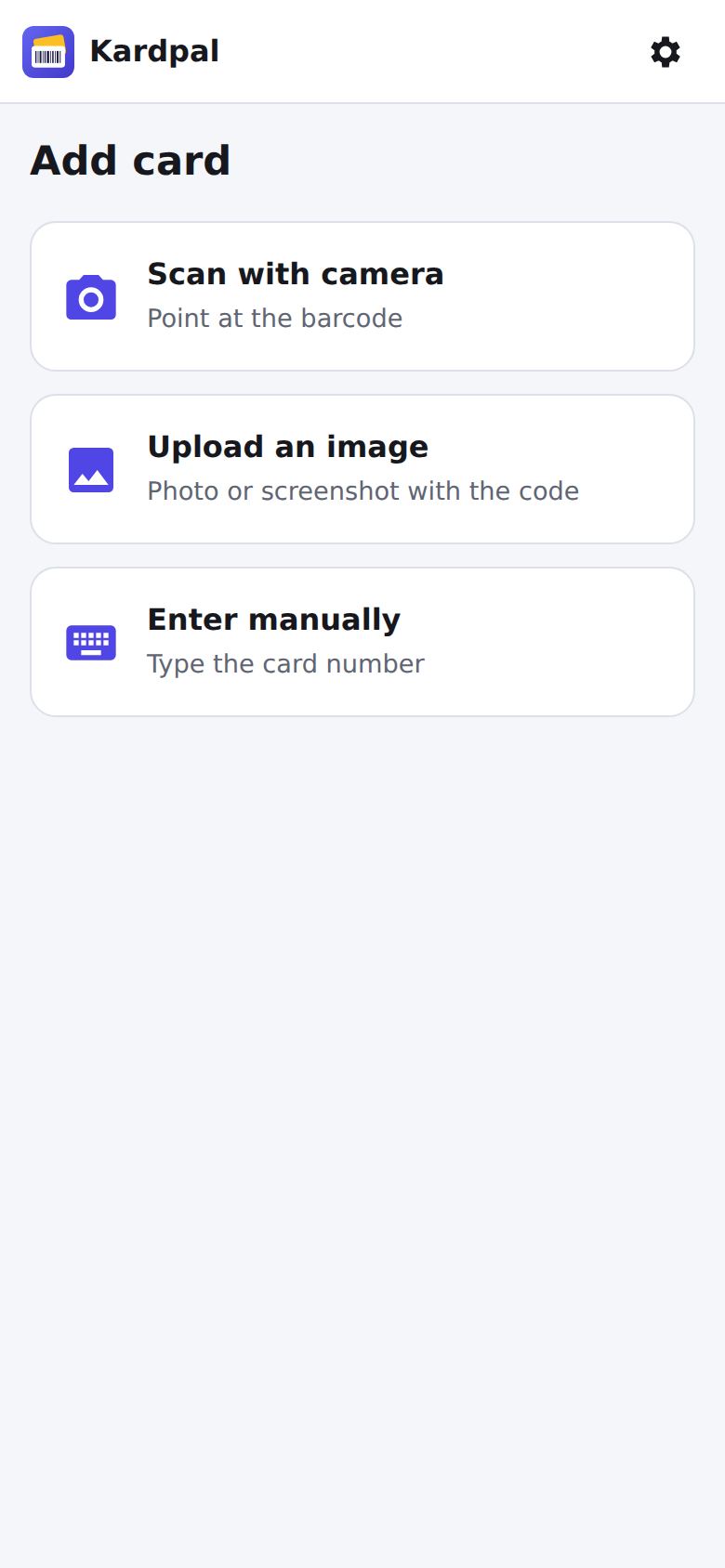
Point your camera at the barcode or upload a photo or screenshot. You can also type the number.
Works offline
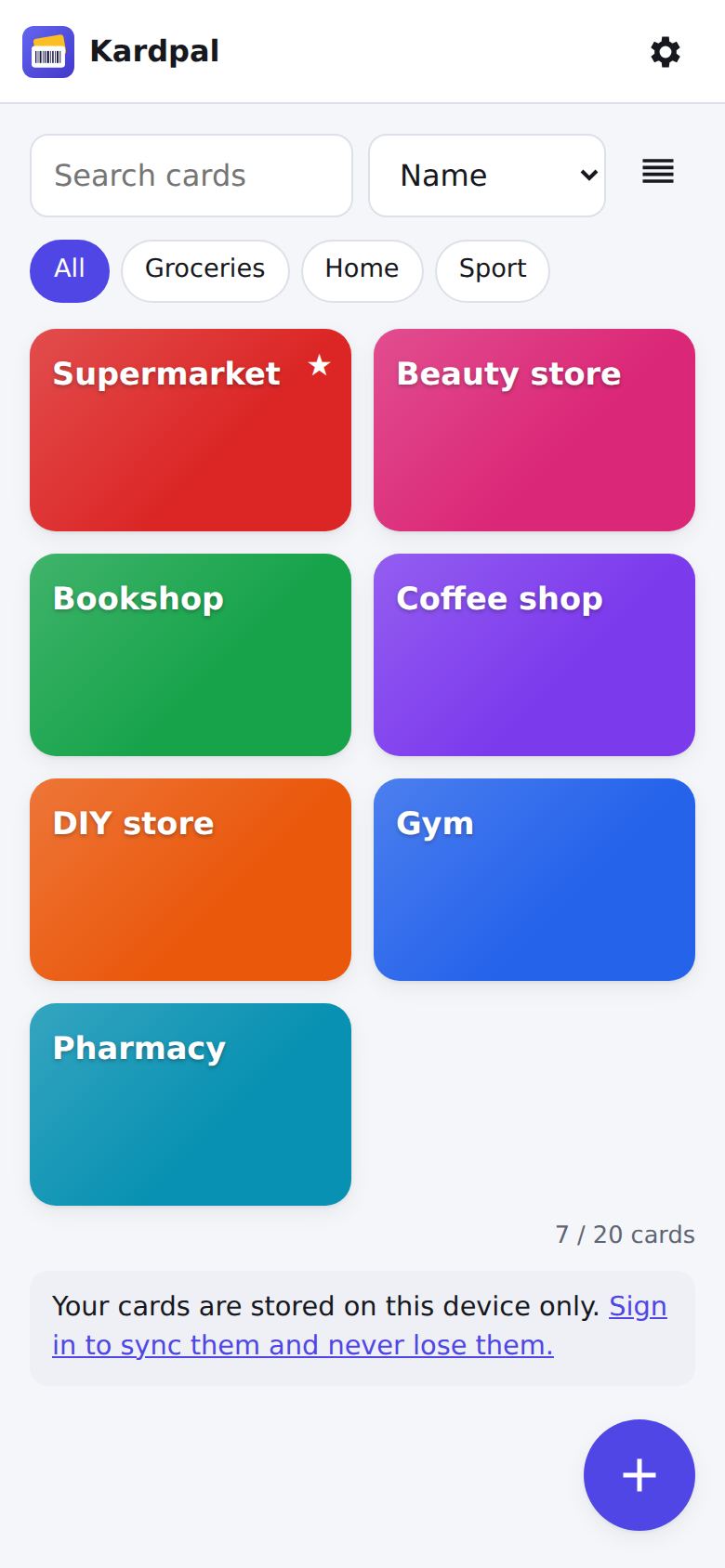
Cards are stored on your phone, so they open instantly at the till, even in shops with no signal.
No sign-up
Open the app and start. An account is optional and only needed to use your cards on several devices.
Synced across your devices
With a free account your cards are on your phone, tablet and computer, and you keep them when you change phone.
Shared with your family
With Premium you create a family group and everyone uses the same cards, always up to date.
The right card at the right store
With Premium you save your stores' locations: walk in and the card is at the top of the list.
How it works
- Open Kardpal. It runs in the browser on Android and iPhone and installs on your Home screen like an app.
- Add your cards. Scan the card's barcode or QR code, give it a name and pick a colour.
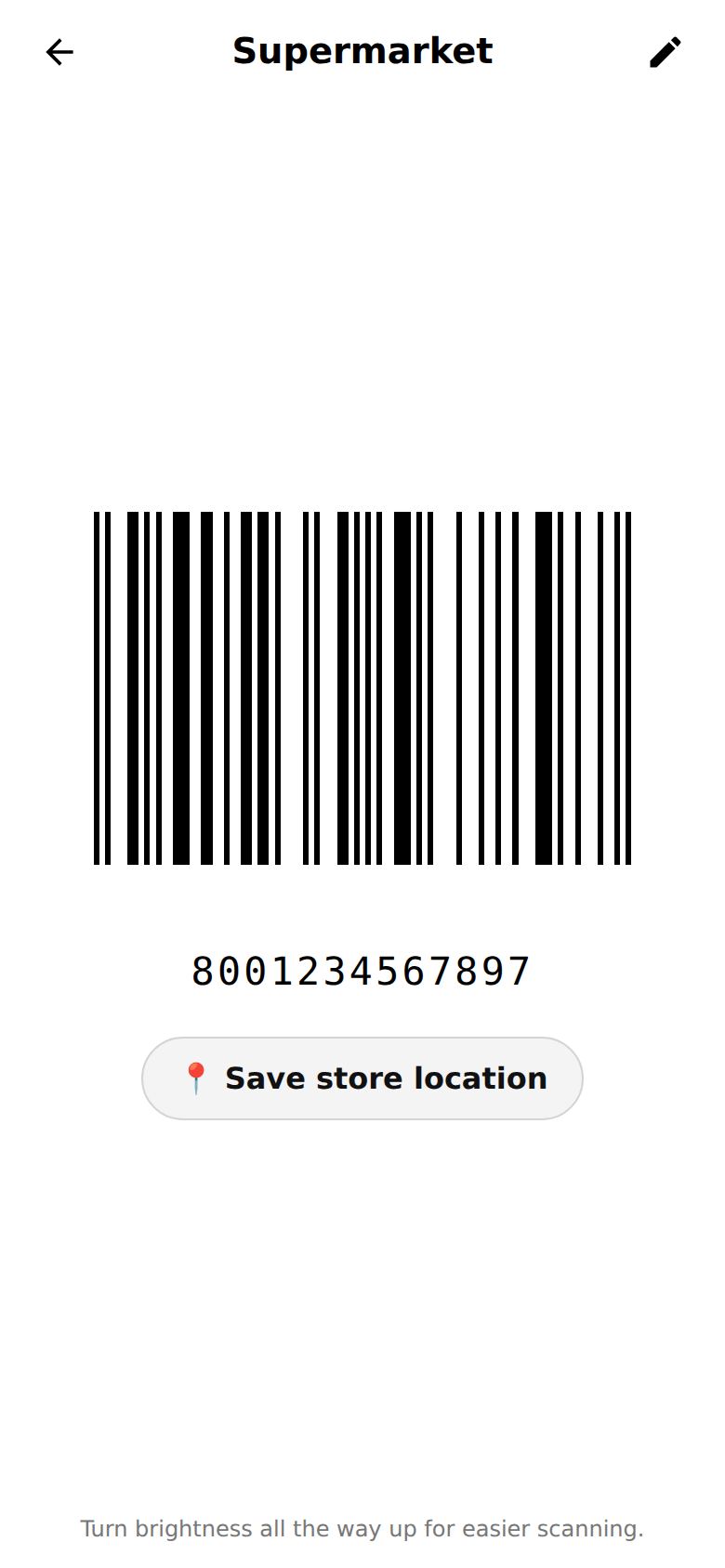
- Show it at the till. Tap the card: the code appears large on a white background and the screen stays on while you need it.
Opens in your browser: no download, no sign-up. You can then add it to your Home screen.
Free or Premium
Kardpal is free forever for up to 20 cards. Premium is a one-time payment, not a subscription.
| Free | Premium one-time payment €1.99 | |
|---|---|---|
| Saved cards | up to 20 | unlimited |
| Works offline | ✓ | ✓ |
| Sync across devices | ✓ | ✓ |
| Backup and import (including Catima) | ✓ | ✓ |
| Ads | small banner | none |
| Family group | - | ✓ |
| Share a card by email | - | ✓ |
| Nearby store's card on top | - | ✓ |
| Front/back photos of the card | - | ✓ |
Guides
App with no sign-up
Kardpal works straight away, no account and no email: your cards stay on your phone. An account is optional.
Offline loyalty cards
With Kardpal your loyalty cards open with no connection: perfect for supermarkets where your phone has no signal.
Loyalty cards for families
Create a family group in Kardpal: everyone uses the same loyalty cards and collects points together, each from their own phone.
How to add a card
Three ways to add a loyalty card to Kardpal: camera, photo or screenshot, or by typing the number.
Stocard alternative
Looking for a Stocard alternative? Kardpal keeps all your loyalty cards on your phone, works offline and needs no sign-up.
Works with every store's cards
Supermarkets, pharmacies, beauty, fashion, coffee shops: if the card has a barcode or a QR code, you can keep it in Kardpal.
Frequently asked questions
Is Kardpal free?
Yes. You can keep up to 20 cards for free, forever. Premium unlocks unlimited cards, family groups, sharing, nearby stores and card photos with a one-time payment of €1.99, no subscription.
Do I need to sign up?
No. You can use Kardpal right away without an account: your cards stay on your phone. A free account is only needed to sync your cards across devices or keep them when you change phone.
Does it work without internet?
Yes. Cards are stored on your device, so they open with no connection. Internet is only needed to sync and to share.
Can tills scan the code from my phone?
Almost always: Kardpal shows the code large on a white background and keeps the screen on. If a scanner struggles, turn the brightness up. Some old laser scanners can't read screens: the cashier can then type the number shown under the code.
Slim down your wallet
It takes a few seconds to get all your loyalty cards on your phone.
Opens in your browser: no download, no sign-up. You can then add it to your Home screen.